Introduction
FTP was built in 1985, long before anyone worried about packet sniffing or ransomware. That legacy design still shows up in production environments today.
Many organizations run FTP servers that transmit usernames, passwords, and file contents in plain text. That weakness is baked into the protocol itself, not a bug introduced later.
This matters because FTP servers often carry more than routine files. They move credentials, business records, regulated data, and operational files between enterprise systems, suppliers, and critical-infrastructure networks.
A single exposed or outdated server can become the entry point for a much larger breach.
This article covers the common causes behind FTP vulnerabilities, what happens when they go unaddressed, the warning signs worth investigating, and the hardening steps and secure alternatives that reduce risk. It closes with how continuous monitoring, not an occasional scan, keeps those fixes from quietly eroding over time.
Key Takeaways
- Traditional FTP transmits usernames, passwords, commands, and files without encryption by default
- Outdated software, anonymous access, excessive permissions, and exposed ports drive most FTP incidents
- SFTP and FTPS reduce risk but require matching changes to identity management, firewalls, and logging
- Continuous asset inventory and CVE monitoring catch issues that one-time scans miss
Common Causes of FTP Server Vulnerabilities
An FTP server vulnerability is any weakness in the protocol, the server application, the operating system, the network configuration, or the authentication process that could let someone access, expose, alter, or disrupt data without authorization.
Not all of these weaknesses are the same type of problem. A protocol weakness, like FTP's cleartext transmission, exists no matter whose software you run. An implementation flaw, like a buffer overflow or an input-validation bug in a specific FTP application, exists because of how that one product was coded.
Risk also depends heavily on context:
- Is the server internet-facing or internal only?
- What data does it store, and is any of it regulated?
- Which accounts can reach it, and how are they controlled?
- Does it connect to business-critical or operational technology systems?
The five causes below cover most of what turns a routine FTP deployment into a serious exposure.
Unencrypted FTP Traffic
Standard FTP sends passwords, commands, and file data across the network without encryption. Anyone positioned to observe that traffic, on shared Wi-Fi, a compromised router, or an intercepted link, can capture login credentials or read file contents directly. The IETF's FTP security guidance documented this cleartext exposure as far back as 1999, and the underlying protocol hasn't changed since.
This becomes a serious problem in specific business scenarios:
- Transfers across public or untrusted networks
- Remote administration of servers from outside the office
- Routine exchanges with third-party vendors or partners
- Movement of sensitive, financial, or regulated data
SFTP and FTPS both address this by adding encryption, but they aren't interchangeable fixes. Before migrating, confirm which certificates, keys, and client software your transfer partners actually support. A server that only accepts FTPS does no good if a vendor's software only speaks SFTP.
Outdated or Vulnerable FTP Server Software
Unpatched FTP applications and the operating systems underneath them can carry known flaws in authentication, memory handling, input validation, or remote code execution. These aren't theoretical risks.
CISA's KEV catalog added CVE-2025-47812 in Wing FTP Server in July 2025, a flaw that let attackers inject code into session files and run system commands with the FTP service's own privileges, often root or SYSTEM by default. Huntress researchers observed active exploitation against a customer just one day after the vulnerability's initial public disclosure.
That short window between disclosure and exploitation is exactly why version inventory matters more than periodic patching alone. Remediation has to cover:
- Production servers administrators already track
- Test and staging environments
- Cloud-hosted instances
- Backup and disaster-recovery systems
- Forgotten or "temporary" servers nobody decommissioned
Every untracked instance is a version nobody is watching for the next advisory.
Weak Authentication and Anonymous Access
Default credentials, reused passwords, and unrestricted anonymous login turn an FTP server into an open door. So do accounts left active after an employee changes roles or a supplier relationship ends. Attackers don't need a zero-day to walk through a door that's already unlocked.
Strengthen this layer with:
- Unique accounts for every user, never shared logins
- Least-privilege access scoped to each account's actual job
- Strong, enforced password policies
- MFA wherever the server software supports it
- Controlled, monitored service accounts
- A documented business justification for any anonymous or shared access, reviewed on a schedule
If you can't explain why an account exists, that's a sign it shouldn't.
Excessive Permissions and Unsafe File Handling
Broad read/write permissions mean a single compromised account can do far more damage than it should. An attacker with upload access can plant malware. One with write access across directories can replace legitimate files or tamper with downstream processes that trust those files blindly.
Watch for these specific gaps:
- Directory traversal that lets a user escape their intended folder
- Loose chroot or jail configurations
- Upload locations with no file-type restrictions
- Executable files placed in transfer directories
- Thin separation between transfer folders and critical systems
Pair file-type controls with malware scanning on upload, maintain immutable or offline backups for critical data, and review directory and account permissions on a recurring basis, not just after an incident.
Unnecessary Network Exposure and Poor Configuration
Every open port and unrestricted firewall rule widens the attack surface. Internet-facing FTP services with no source restrictions, broad allow-all firewall rules, and exposed passive-mode port ranges all make a server easier to find and easier to hit.
Port 21 commonly handles FTP control traffic. Port 20 may carry data in active mode, but passive mode, the more common configuration behind firewalls, uses a dynamically assigned range instead. That range has to be deliberately configured and restricted; leaving it wide open defeats the purpose of locking down port 21.
To reduce exposure:
- Restrict access to approved networks or IP ranges
- Use a VPN or private connectivity instead of open internet access
- Place the server in a segmented network zone
- Close the service entirely once the business need for it disappears

What Happens If FTP Server Vulnerabilities Are Ignored
Ignoring FTP weaknesses puts confidentiality, integrity, and availability all at risk at once. Consequences include:
- Credential theft and unauthorized downloads
- Altered or replaced files and malware distribution
- Full server takeover and service interruptions
- Lateral movement into connected systems
A vulnerable FTP server rarely stays contained to itself. Where segmentation and permissions are weak, it becomes a doorway into connected Windows and Linux systems, virtual machines, cloud infrastructure, or operational technology environments.
The 2023 CL0P campaign shows how file-transfer flaws escalate. According to CISA's MOVEit advisory, attackers exploited a vulnerability in Progress Software's MOVEit Transfer product starting in late May 2023, installed a web shell, and stole data from the underlying databases.

This was a managed file-transfer compromise, not a cleartext FTP failure. It still shows how quickly a file-transfer vulnerability becomes a full data-theft incident.
Compliance exposure follows close behind. Frameworks including NIST SP 800-53, CMMC, HIPAA, and SOX define controls for protecting transmitted information and proving active monitoring.
Running FTP does not automatically put you out of compliance. You still need to show which control applies, what safeguard you implemented, and why it is adequate for the data involved.
Warning Signs of FTP Server Compromise
These signs warrant investigation. They aren't automatic proof of compromise, but they're worth treating as urgent until ruled out.
- Unusual login activity - Repeated failed logins, password-spraying patterns, logins from unexpected IP addresses, or successful access at odd hours
- Unexpected file activity - Uploads, downloads, deletions, renamed files, or permission changes that don't match established business patterns
- Unapproved inventory items - FTP services, accounts, software versions, or passive-mode ports running on systems missing from your approved asset list
- Abnormal server behavior - Crashes, spiking resource use, unexplained processes, error messages, or outbound connections following a suspicious transfer
If you spot any of these, preserve the logs, isolate affected systems per your incident-response plan, verify account activity, and escalate. Don't delete anything that could later serve as evidence.
How to Prevent FTP Server Vulnerabilities
Prevention works as a lifecycle, not a one-time project: discover exposed services, remove unnecessary FTP, harden what remains, monitor activity, remediate findings, and verify the fix actually held.
Replace Standard FTP Where Practical
Migrate sensitive or internet-facing transfers to SFTP, FTPS, or a managed file-transfer service, chosen based on encryption strength, identity support, partner compatibility, audit capability, and compliance needs.
SFTP and FTPS solve the same problem differently. SFTP runs over SSH and encrypts the entire session by default. FTPS adds TLS to FTP, but the control connection and data connection are negotiated separately, so an encrypted login does not guarantee encrypted file transfer unless the data channel is protected too.
That difference affects which ports you open, whether you manage certificates or SSH keys, and which client software your partners need.
Before cutting over, work through:
- Data classification for everything currently moving over FTP
- A list of every transfer partner and their client compatibility
- Service account updates and key or certificate rotation
- A testing phase with a rollback plan
- User training on the new process
- A hard retirement date for the legacy FTP endpoint
Patch and Securely Configure the Server
Start with a complete inventory: FTP software versions, operating systems, plugins, exposed interfaces, and dependencies. You can't patch what you haven't found.
From there, build a risk-based patch process:
- Prioritize actively exploited and internet-facing vulnerabilities first
- Validate vendor guidance before applying fixes
- Document any exception with a compensating control and an expiry date
Then harden the configuration itself:
- Disable protocols and features you don't use
- Remove default accounts and restrict administrative interfaces
- Secure configuration files and apply vendor-recommended hardening settings
- Re-scan after every change to confirm it worked
Strengthen Identity, Access, and File Permissions
Individual accounts beat shared logins every time. Pair them with strong, unique credentials, MFA or certificate-based authentication where the software supports it, and tightly scoped service accounts.
Apply least privilege separately for each function, listing, reading, uploading, downloading, deleting, and administration, rather than granting broad access by default. Where it makes sense, isolate each partner or workflow into its own account and directory.
On a defined schedule, review:
- Dormant user accounts
- Shared credentials still in use
- Public links that were never revoked
- Anonymous access configurations
- Directory write permissions
- Recent account activity logs
Restrict Network Access and Monitor Activity
Limit connections by source network, VPN, private link, firewall policy, or allowlist. Expose only the ports and passive-mode ranges your chosen configuration actually requires, nothing more.
Place the server in a segmented network zone, isolated from domain controllers, databases, OT systems, and other critical assets it doesn't need to reach directly.
Enable detailed logging across authentication, administration, file transfers, and system events. Forward that data to centralized monitoring with alerts for unusual logins, transfers, errors, and configuration changes.
Scan, Remediate, and Validate Continuously
A single scan tells you about one moment in time. FTP servers, like everything else on the network, need continuous coverage: authenticated vulnerability assessment, software inventory, configuration review, external exposure checks, and properly authorized penetration testing.
Findings need a full lifecycle too, from discovery through assigned ownership, remediation, exception approval, and verification, covering offline systems, intermittently connected devices, virtual machines, and third-party-managed infrastructure.
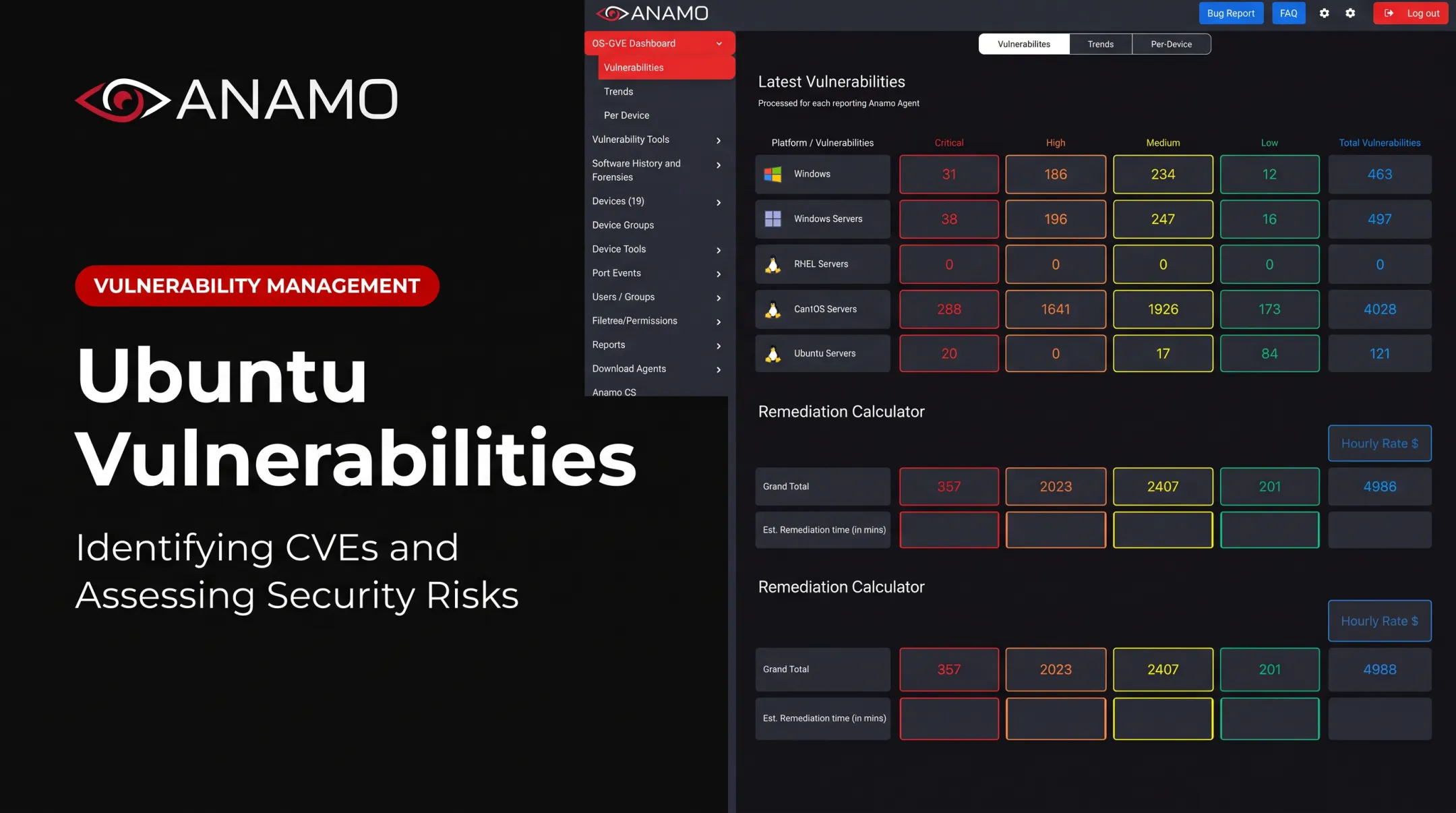
This is where a platform like Anamo fits in. It's built as an always-on Continuous Diagnostics and Mitigation platform that surfaces software versions, CVEs, open ports, permission issues, and host-level risk across Windows, Linux, servers, workstations, and virtual machines, all in dashboards built for remediation tracking rather than one-time reporting.
Whatever tools you use, always finish with a post-remediation scan and a controlled transfer test. That's the only way to confirm the vulnerable version, the misconfiguration, or the unnecessary exposure is actually gone, not just reported as fixed.

Tips for Long-Term Prevention and Control
Hardening an FTP server once doesn't keep it secure. Treat it as a recurring control program instead:
- Maintain an authoritative inventory of every FTP and secure-transfer service, its owner, the data it handles, its business justification, software version, exposed ports, and transfer partners
- Review access and infrastructure on schedule: authentication settings, permissions, firewall rules, certificates, SSH keys, vendor connections, and logs
- Train administrators and users to spot insecure transfer requests, credential theft attempts, unexpected files, and unsafe shared-account use
- Document everything: approved configurations, exception expiry dates, incident-response steps, backup procedures, and the evidence needed for NIST, CMMC, HIPAA, or SOX reviews
- Measure outcomes that matter, such as time to discover an exposed service, time to patch a vulnerable instance, the percentage of findings verified closed, and the number of unauthorized transfer events
CISA's Binding Operational Directive 22-01 gives federal agencies a concrete model for this: remediate known exploited vulnerabilities within the catalog's published deadlines, not whenever convenient. Private organizations don't share that legal obligation, but the discipline behind it, fixed deadlines instead of best-effort patching, applies just as well outside government.
Conclusion
FTP server vulnerabilities trace back to a short list of identifiable causes: cleartext transmission, outdated software, weak authentication, excessive permissions, and unnecessary network exposure. None of them are mysterious, and none require guesswork to fix.
Retiring standard FTP where you can, hardening what you keep, restricting access, monitoring activity, and validating every remediation closes most of the gaps attackers rely on.
Organizations that catch problems early run a disciplined inventory and vulnerability-management process. They treat security as ongoing work, not a project with an end date. That discipline keeps an isolated FTP weakness from becoming an enterprise-wide or critical-infrastructure incident.
Frequently Asked Questions
How can I secure my FTP server?
Migrate to SFTP or FTPS where possible, patch promptly, disable anonymous access, and enforce strong authentication with least-privilege permissions. Restrict network access, log all activity, and validate your security posture continuously rather than relying on a one-time review.
Is FTP on port 20 or 21?
Port 21 handles FTP control traffic, like login commands. Port 20 can carry data in active mode, but passive mode, the more common setup, uses a configured range of dynamic ports instead, so actual exposure depends on your server's configuration.
What does FTP mean in cybersecurity?
FTP stands for File Transfer Protocol. In cybersecurity terms, it's significant because traditional FTP transfers credentials and data without encryption, which is why secure alternatives and strict access controls matter so much.
Can FTP be made compliant with NIST or HIPAA?
It depends on the control and the data involved. Frameworks like NIST SP 800-171 and HIPAA require protecting transmitted information, often through encryption, so unencrypted FTP alone usually won't satisfy that requirement without added safeguards.
What's the difference between SFTP and FTPS?
SFTP runs over SSH and encrypts the full session by default. FTPS adds TLS to standard FTP, with control and data channels negotiated separately, so you must confirm both are actually encrypted.