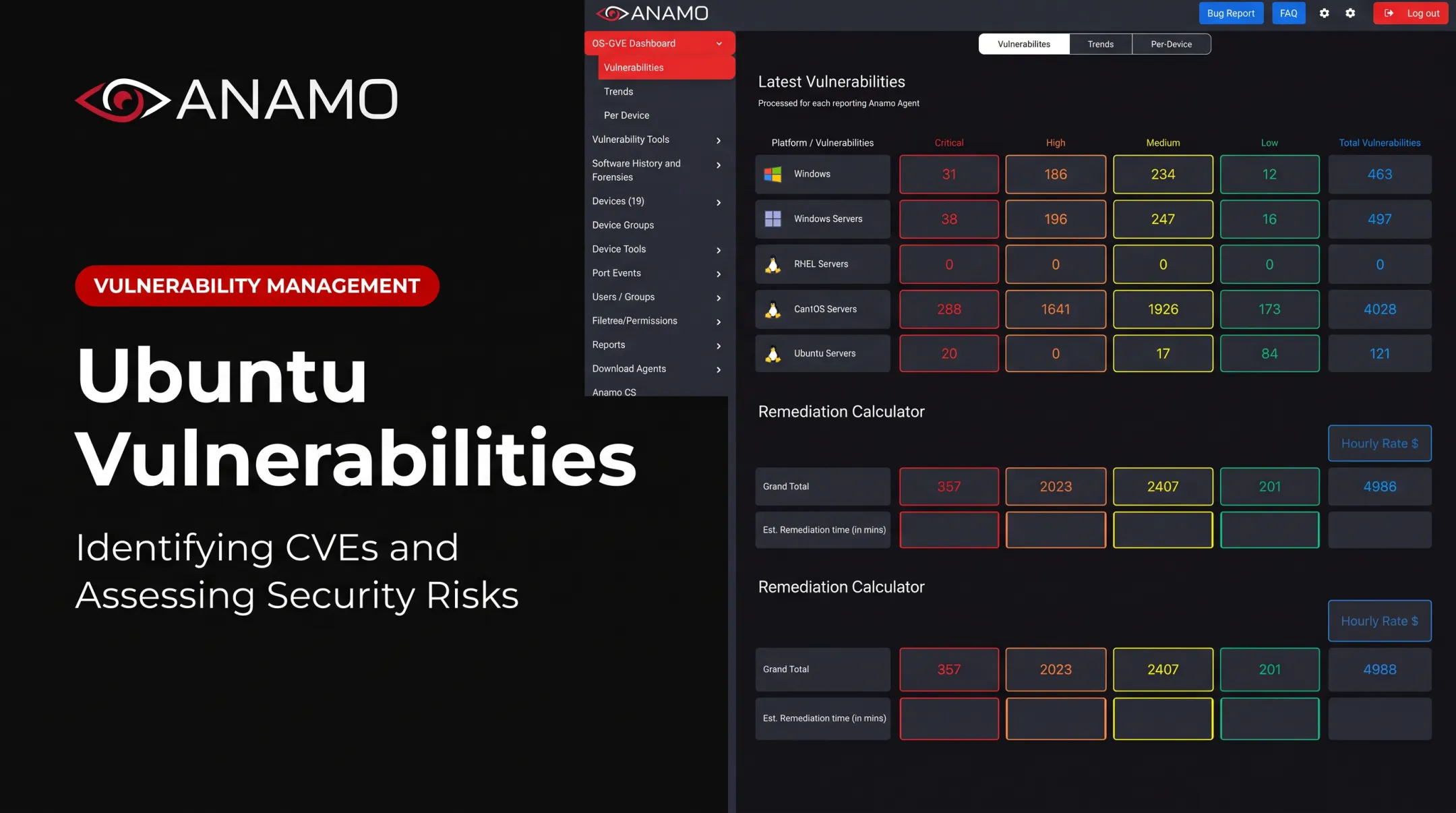
This article covers common computer security threats, vulnerability detection methods, and practical risk assessment for businesses, government agencies, regulated contractors, and critical-infrastructure operators across the United States. A threat is a potential source of harm. A vulnerability is a weakness that can be exploited. Risk reflects the likelihood and impact of that exploitation happening. Understanding this distinction changes how you prioritize everything that follows.
Key Takeaways
- Threats are potential harmful events or actors; vulnerabilities are exploitable weaknesses; risk combines both with business impact
- Detection requires continuous visibility across endpoints, servers, identities, networks, and OT systems where applicable
- Risk-based prioritization beats treating every alert or CVE as equally urgent
- Prevention depends on layered controls, fast remediation, access governance, and ongoing reassessment
Common Computer Security Threats
A computer security threat is any event, condition, actor, or activity that could compromise confidentiality, integrity, or availability. Threats can be malicious or accidental, internal or external, technical or environmental (a disgruntled employee and a lightning strike both qualify).
Here's where the terminology trips people up. Take an unpatched internet-facing server:
- The vulnerability is the missing patch
- The threat is a ransomware group scanning for exposed servers
- The exploit is the specific code or technique used to break in
- The risk is the likelihood of that server being hit, multiplied by the damage if it is
Without a vulnerability to exploit, the threat has nowhere to go. Without a threat actor interested in exploiting it, the vulnerability sits dormant.
The Main Attack Patterns
Most incidents fall into a handful of recognizable categories:
- Malware-based threats: ransomware, trojans, spyware, infostealers, worms, and rootkits that typically enter through phishing links, exposed services, or compromised software
- Phishing and social engineering: spear phishing, business email compromise, and pretexting that trick employees into handing over credentials or executing malicious attachments
- Credential and access threats: weak or reused passwords, password spraying, brute force attempts, credential stuffing, and excessive permissions on administrator accounts
- Network and service disruption: denial-of-service attacks, adversary-in-the-middle interception, spoofing, and lateral movement once an attacker is inside
- Insider, supply-chain, and zero-day threats: trusted employees, third-party software dependencies, and unknown flaws that complicate detection because nothing looks obviously wrong
Ransomware alone appeared in 44% of breaches reviewed in Verizon's 2025 report, up from 32% the year before. That's a sharp jump, and it reflects how accessible ransomware tooling has become for less sophisticated actors.
The same threat affects confidentiality, integrity, and availability differently depending on what it hits. When Change Healthcare was compromised in 2024, attackers reportedly used stolen credentials to access a Citrix portal that lacked multi-factor authentication, not a software vulnerability itself, according to Reuters reporting.
The resulting ransomware lockout disrupted American healthcare operations for weeks. That availability failure started as a credential-access gap, not a technical exploit.
Detecting Computer Security Vulnerabilities
A vulnerability is any weakness in software, hardware, configuration, architecture, identity controls, process, or human behavior that could be exploited or cause exposure. Vulnerabilities generally fall into three buckets.
Technical vulnerabilities:
- Unpatched CVEs and unsupported software versions
- Insecure services, exposed ports, and weak encryption
- Application flaws and misconfigurations
Identity and permission vulnerabilities:
- Excessive privileges and dormant accounts
- Default credentials left unchanged
- Weak authentication and poor separation of duties
Visibility and operational vulnerabilities:
- Unknown or unmanaged assets (shadow IT)
- Incomplete inventories and legacy systems
- Poorly documented IT/OT connections
How Detection Actually Works
Finding these weaknesses requires layered methods: asset discovery, vulnerability scanning, configuration assessment, patch verification, permission reviews, penetration testing, code review, and endpoint telemetry. No single tool catches everything.
Periodic assessments versus continuous monitoring is the critical distinction. A point-in-time scan is outdated the moment a new asset joins the network, a permission changes, or a new CVE is disclosed. Continuous diagnostics catch what quarterly or annual assessments miss between cycles.

A detection checklist should cover Windows and Linux endpoints, servers, workstations, virtual machines, and network services, plus industrial or operational technology where it applies.
OT environments need extra caution. NIST's OT security guide documents a case where a routine inventory ping sweep caused a system controlling integrated-circuit fabrication to hang. Always test active scanning tools offline before deploying them against production OT systems; passive monitoring is often the safer default.
Anamo's platform addresses this gap by autonomously capturing system and host information, users, groups, ports, permissions, software and package inventories, and CVE data without requiring manual entry, running continuously rather than on a scheduled scan cycle.
How to Conduct a Computer Security Risk Assessment
Risk assessment starts before you touch a single vulnerability finding. You need to know what you're protecting first.
Build the Foundation
Start with an inventory covering:
- Systems, applications, and identities
- Dependencies and sensitive data
- Business processes and internet-facing exposure
- Operational or safety dependencies
Then map how threats reach vulnerabilities. An attack path only matters if a threat can actually reach the weakness, gain privileges, move laterally, or disrupt a critical service.
Evaluating likelihood draws on evidence such as:
- Exploit availability and observed attack activity
- Asset exposure and accessibility
- Control strength already in place
- Threat intelligence relevant to your sector
Qualitative ratings (low/medium/high) are often more honest than false-precision numerical scores when evidence is thin.
Evaluating impact means looking beyond IT:
- Confidentiality, integrity, and availability loss
- Safety consequences in OT environments
- Revenue and service continuity disruption
- Legal, contractual, and regulatory exposure
- Reputational damage
Prioritize and Remediate
A high-severity CVE sitting on an isolated, noncritical asset is not the same risk as a moderate vulnerability on an internet-facing, mission-critical system. Treating both the same wastes remediation capacity. CISA's Stakeholder-Specific Vulnerability Categorization model handles this by factoring in exploitation status, mission prevalence, and public well-being impact, not severity score alone.
The remediation cycle follows a consistent pattern:
- Assign ownership for each finding
- Set a deadline based on actual risk, not a blanket SLA
- Apply the fix or a compensating control
- Validate that the fix worked
- Document residual risk that remains
- Monitor continuously for recurrence

A compact risk register ties this together. At minimum, track:
| Field | Purpose |
|---|---|
| Asset & vulnerability | What's exposed and how |
| Threat scenario | How it could be exploited |
| Likelihood & impact | Risk rating inputs |
| Owner & due date | Accountability |
| Evidence & review status | Proof of closure |
Preventing and Mitigating Computer Security Threats
Layered controls map directly to the threat categories covered earlier. No single control stops everything, so overlapping defenses matter more than any one "silver bullet" tool.
Foundational controls:
- Accurate asset inventories and secure configurations
- Timely patching and vulnerability remediation
- Endpoint protection, firewalls, and network segmentation
- Tested backup and recovery procedures
Identity security:
- Unique credentials and multi-factor authentication everywhere
- Least privilege and privileged-access controls
- Regular account lifecycle reviews and permission audits
Human risk reduction:
- Security awareness training tied to real phishing examples
- Easy phishing reporting and clear escalation paths
Active threat preparation:
- Centralized monitoring with alert triage
- Incident-response playbooks and isolation procedures
- Forensic preservation and post-incident reviews
Frameworks like NIST CSF 2.0, CMMC, HIPAA, and SOX help structure these controls and provide audit evidence. But compliance is not the same as security: passing an assessment doesn't mean an attacker can't still get in.
This is where Anamo's continuous diagnostics platform fits. It consolidates asset visibility, CVE and vulnerability monitoring, permission and port insight, adversary identification, forensics, dashboards, and reporting across Windows, Linux, virtual machines, and mixed IT/OT environments.

The platform is built to align with CISA/DHS CDM program standards alongside CMMC, NIST 800, HIPAA, and SOX requirements. It's a tool for continuous monitoring and risk management, not a substitute for sound architecture, trained staff, or your own risk decisions.
Organizations evaluating a platform like this can reach Anamo at Sales@Anamo.io or 949.629.3900.
Conclusion: Move From Security Awareness to Continuous Risk Reduction
Threats keep changing, but resilience comes from the same discipline every time: know your assets, find the exploitable weaknesses, assess what they'd actually cost you, and fix the highest-priority risks first.
Start this week:
- Review your critical assets
- Confirm monitoring covers every environment you run
- Document your most urgent threat-vulnerability pairings
- Set a recurring cadence for reassessment and remediation
Risk doesn't stand still, so your process can't either.
Frequently Asked Questions
What are the most common computer security threats?
The most common threats include ransomware and malware, phishing and business email compromise, credential attacks, denial-of-service, insider misuse, supply-chain compromise, and unpatched software exploits.
What are vulnerabilities in IT security?
Vulnerabilities are weaknesses in software, hardware, configurations, permissions, architecture, processes, or human practices that a threat could exploit. Examples include unpatched CVEs, default credentials, and excessive user permissions.
What is the difference between vulnerability and threat?
A vulnerability is the weakness or opening itself, such as an unpatched server. A threat is the actor, event, or condition that could exploit that opening, such as a ransomware group. Together, they create risk.
What are the 7 types of cyber security threats?
There is no single official list. A practical grouping covers malware and ransomware, phishing and BEC, credential attacks, network attacks, vulnerability exploitation, insider threats, and supply-chain or zero-day threats.