For U.S. enterprises, government contractors, manufacturers, and critical-infrastructure operators, this distinction matters. Most of these organizations run mixed Windows and Linux fleets alongside operational technology that can't tolerate downtime. Unnecessary exposure on any of these systems can enable unauthorized access, service exploitation, lateral movement, data loss, or operational disruption.
This article walks through an authorized, repeatable workflow: define scope, identify exposed ports, validate the service behind each one, assess risk, remediate, and verify the fix actually worked.
Key Takeaways
- Open, closed, and filtered ports describe different network conditions, not interchangeable severity levels
- Combine external recon, internal scanning, host-level inspection, and firewall review for full visibility
- Risk hinges on service, version, authentication, and exposure path, not the port number alone
- Close unneeded services, restrict required ones, patch, and rescan to confirm remediation worked
- Every test requires written authorization and coordination with system owners, especially in OT environments
What You Need to Check for Exposed Ports
Before running a single scan, get the preparation right. Accurate scope, confirmed asset ownership, and the correct inspection method prevent three common failures: missed systems, misleading results, and unplanned outages.
Skipping this phase is how security teams end up scanning a partner's IP range by mistake, or knocking a fragile SCADA system offline during a production run.
Tools and Indicators Required
A defensible port assessment draws on multiple evidence sources, because no single tool sees the whole picture:
- Authorized port scanner (such as Nmap) for reachability testing
- Host-level commands like
sson Linux ornetstaton Windows to confirm local listeners - Service and process inventories showing what's supposed to be running
- Firewall and router logs documenting what traffic is actually permitted
- Cloud security-group or network-ACL rules for virtualized and hybrid environments
- Vulnerability scanners and asset-management records for version and ownership context
Each source answers a different question. A perimeter scan tells you what's reachable from one vantage point. Host and configuration data tell you what's actually listening, why, and who's allowed to reach it. Neither alone is sufficient.
Preconditions and Setup
Treat authorization as non-negotiable, not a formality. Before testing anything, lock down:
- Written authorization covering the specific scope of work
- A defined IP range or hostname list, with exclusions clearly marked
- A documented testing window, emergency contacts, and rate limits
- An escalation plan for production or OT systems if something goes wrong
NIST's security testing guidance calls for a rules-of-engagement document before any assessment begins. That document should specify approved targets, permitted techniques, and incident-handling steps, as outlined in the NIST testing guide.
Separate your scope by context, too: external vs. internal, segmented zones, cloud vs. on-prem, IPv4 vs. IPv6. NAT, load balancers, proxies, and VPNs can all make what's visible externally look nothing like the actual host configuration.
Document the business context for each asset as well: owner, function, data handled, IT or OT role, and any applicable standard like NIST 800-171 or CMMC.
Methods to Identify Exposed Ports
No single method gives complete visibility. Attackers don't care which vantage point you tested from, so you shouldn't rely on just one either. Combine network reachability testing with host, firewall, cloud, and vulnerability evidence. Only ever run checks you're authorized to perform.
Method 1: Authorized External Port Scanning
This method determines which TCP and, where appropriate, UDP ports are reachable from the internet or another defined external vantage point.
What you need:
- An approved scanner
- Confirmed in-scope IP addresses or domains
- A scan profile, rate limits, and a record of source location and timestamp
Steps:
- Confirm every target belongs to your organization or is covered by written permission. Exclude third-party, shared, and unmanaged assets.
- Run a minimally disruptive scan suited to the environment, logging port state, protocol, detected service, and any scan limitations.
- Validate unexpected findings with the asset owner, and cross-check them against firewall, load-balancer, and cloud access-control rules before taking any action.
External scanning is the best proxy for what an attacker reaches from a given location. Blind spots include filtered or rate-limited services that stay hidden and fingerprinting that misidentifies applications. It also tells you almost nothing about the host's internal state or patch level.
Method 2: Internal Network and Segmentation Scanning
This method tests whether services are reachable across trust boundaries, user networks, server segments, admin zones, and partner connections.
What you need:
- An authorized internal scanner
- Documented network zones and a segmentation policy
- A service-owner list and change-control approval
Steps:
- Pick scan points that reflect real paths, such as a user VLAN, a management network, or an approved partner boundary.
- Test only the ports and protocols needed to validate segmentation, going easy on fragile or safety-sensitive systems.
- Compare observed reachability against the intended access matrix, flagging unnecessary remote-admin, file-share, database, or OT connectivity.
This method catches lateral-movement opportunities external scans simply can't see. The trade-off is coordination overhead; internal scans can trigger alerts or affect sensitive systems if not carefully scoped.
Method 3: Host, Firewall, and Continuous-Visibility Validation
This method confirms which processes are actually listening, which firewall rules permit the traffic, and whether the service is authorized, patched, encrypted, and monitored.
What you need:
- Host socket/process data and endpoint management tools
- Firewall configuration and cloud security-group settings
- Service inventories, CVE records, and monitoring dashboards
Steps:
- Map each listening port on the host or management plane to its process, service account, software version, interface binding, and local firewall rule.
- Review network devices and cloud controls for source restrictions, public exposure, exceptions, logging gaps, and stale or overly broad rules.
- Correlate the confirmed service with current vulnerability intelligence, authentication settings, encryption requirements, and asset criticality. Document the evidence and assign remediation ownership.
This method gives the strongest context for deciding whether an exposure is intentional and risky. It depends on accurate inventories and administrative access. That is exactly where periodic, point-in-time scans tend to fall short across mixed Windows, Linux, virtual, and OT environments.

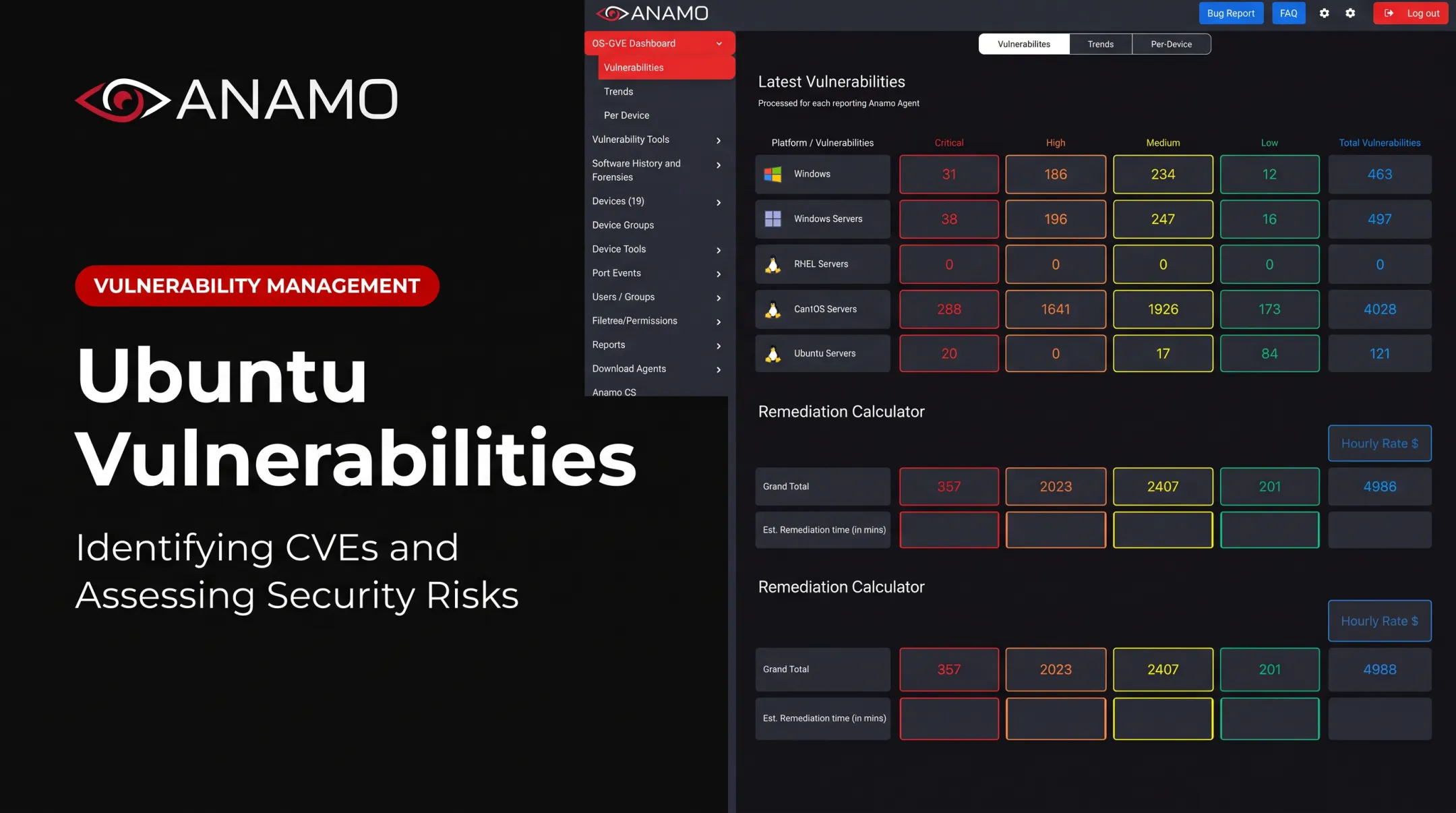
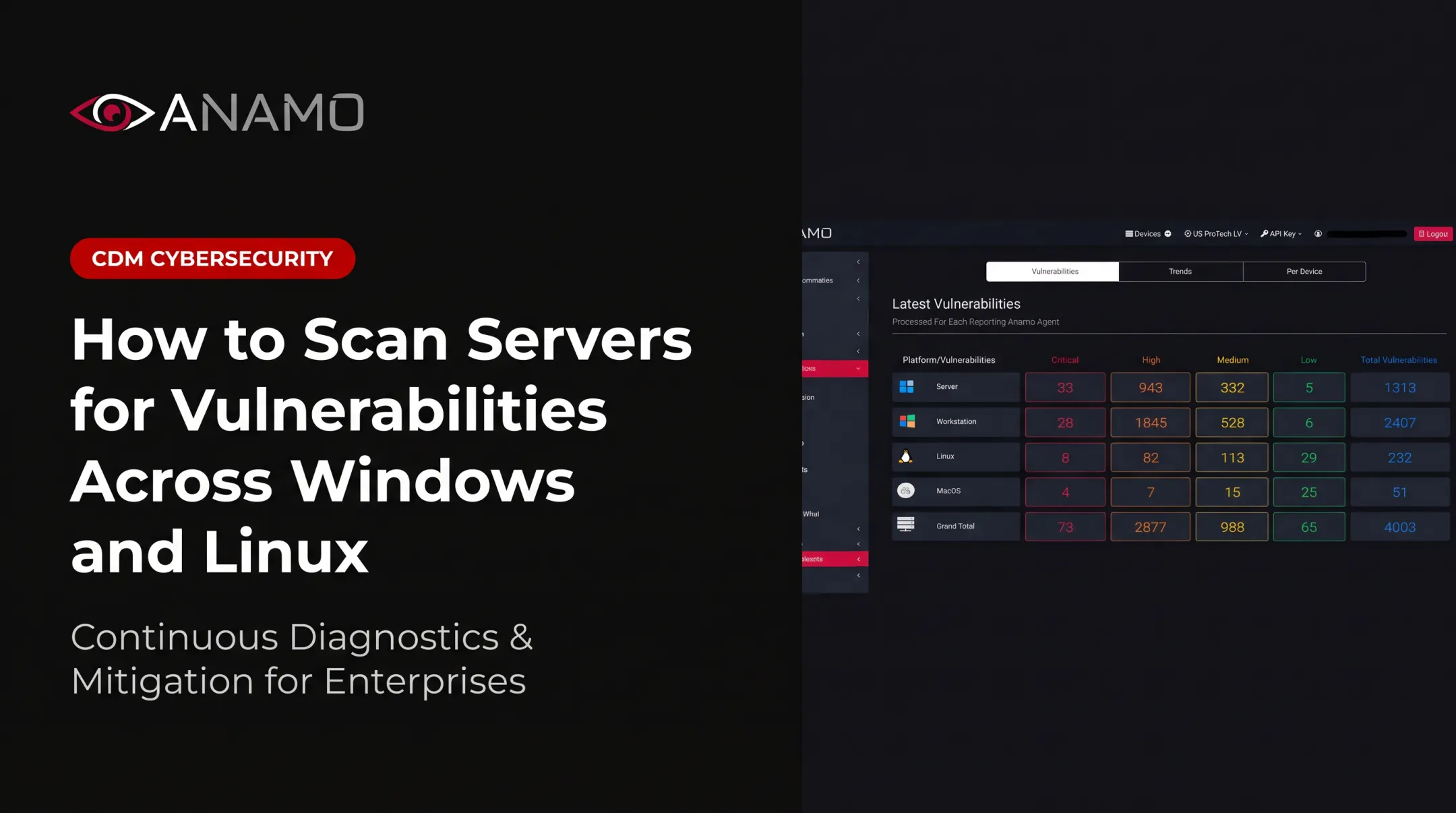
This is the gap continuous monitoring platforms are built to close. Anamo's CDM platform autonomously correlates ports, permissions, software intelligence, CVE exposure, and adversary indicators across Linux and Windows hosts in near real time. That approach replaces reliance on a quarterly scan alone.
How to Interpret the Results
A port result is a data point, not a risk rating. Reading it correctly means weighing the state, the service, the exposure path, asset importance, configuration, and vulnerability evidence together.
Normal/Acceptable: The service is required for a documented business function, limited to intended interfaces and source networks, protected with appropriate authentication and encryption, patched, logged, and assigned an owner.
Examples include a public HTTPS service behind a web application firewall, or an administrative service restricted to a management VLAN. A standard port alone never qualifies as "safe."
Minor Issues: These findings need attention but aren't emergencies:
- Approved service with broader-than-needed source access
- Incomplete logging or monitoring coverage
- Outdated configuration or undocumented non-standard port
- Exposure lacking a current owner
Typical next steps:
- Narrow the firewall rules
- Update documentation and enable monitoring
- Confirm patch status
- Assign a remediation deadline based on business impact
Out-of-Spec: These demand urgent action:
- An unapproved internet-facing service
- Exposed RDP or SMB, or Telnet-style plaintext administration
- A directly reachable database
- A known exploitable software version
- Weak authentication or an unexpected path between IT and OT segments
For out-of-spec findings:
- Contain the exposure and notify the owner
- Preserve evidence and validate the vulnerability
- Build an approved remediation plan
Prioritizing What to Fix First
Rank findings using reachability, exploitability, service sensitivity, asset criticality, authentication strength, patch availability, segmentation, and monitoring coverage. CVSS measures severity, but severity alone does not equal urgency.

CISA's Known Exploited Vulnerabilities catalog adds a critical filter: it tracks vulnerabilities with confirmed real-world exploitation, which should bump remediation ahead of anything with a high CVSS score but no observed attacks, according to the CISA KEV catalog.
Once you've decided what needs fixing, the actions stay consistent:
- Close unused ports and disable unnecessary services
- Restrict required services by source and interface
- Put remote administration behind VPN or zero-trust access
- Enforce MFA where supported and replace plaintext protocols
- Patch, segment, and rescan to confirm the change held
Common Errors and Safety Best Practices
Scanning without authorization, scanning the wrong address range, or treating a port number as proof of a vulnerability can create legal, operational, and technical problems, sometimes all three at once.
Common Errors in Checking Ports
- Misreading "open," "closed," and "filtered," or assuming a familiar port always hosts its conventional service
- Ignoring non-standard ports, IPv6, cloud security groups, NAT, load balancers, host-based firewalls, or interface-bound services
- Treating a single scan as complete evidence, skipping listening-process confirmation, or forgetting to rescan after remediation
A notorious example: port 3389 (RDP) exposed to the internet was the entry point for CVE-2019-0708, better known as BlueKeep. That pre-authentication flaw allowed remote code execution without user interaction.
CISA's advisory on this issue underscores why patch status, not just port visibility, determines actual risk. See the CISA BlueKeep advisory for details.

Safety and Best Practices
- Obtain written authorization, define scope and rate limits, and coordinate with system owners
- Use heightened change-control precautions for production, medical, industrial, and OT environments
- Prefer least-privilege access, default-deny inbound rules, narrow source ranges, and secure management paths
- Enforce encryption, MFA, logging, and alerting wherever supported
- Preserve scan results and configuration evidence, document exceptions, and notify owners of critical findings promptly
Conclusion
Reliable port assessment never relies on one data source. It combines authorized reachability testing with host, firewall, cloud, and vulnerability-context validation, so exposure gets judged on actual risk instead of a port number alone.
Rather than closing every port indiscriminately, ensure every exposed service is necessary, owned, properly restricted, securely configured, patched, and monitored.
For organizations managing mixed Windows and Linux fleets alongside IT and OT infrastructure, periodic scans often leave gaps between assessments. Anamo's CDM platform is built to maintain continuous visibility across ports, vulnerabilities, permissions, and adversary indicators in those environments, closing the window attackers rely on between scan cycles.
Frequently Asked Questions
What are ports in cybersecurity?
Ports are transport-layer endpoints that direct network traffic to specific services or applications on a device. Because an exposed port can reveal a reachable path into a system, every finding needs authorization, validation, and a proper risk assessment before action.
Is port 445 a security risk?
TCP port 445 commonly carries SMB traffic and can become high risk when it's exposed unnecessarily or poorly secured. Risk depends on patch status, network segmentation, source restrictions, authentication strength, and whether the traffic is actively monitored.
What is TCP port 20000 used for?
Port 20000 is registered for DNP3, a protocol used in some industrial control and SCADA systems, but registration alone doesn't prove what's actually running. Always validate the live process, product, version, and authorized use through approved defensive checks.
How can I check which ports are open?
Use authorized external or internal scanning, host-level socket inspection with tools like ss or netstat, and a review of firewall or cloud security-group rules. Never scan systems you don't own or have explicit written permission to test.
Does an open port always mean a security vulnerability?
No. An open port shows reachability, not a confirmed weakness. Assessing actual risk requires knowing the service, software version, authentication, encryption, exposure path, asset criticality, and any compensating controls in place.
How do you secure an exposed port?
Remove unnecessary services, restrict access by source and interface, replace plaintext protocols with secure alternatives, and enforce MFA where available. Patch the underlying software, segment the network, assign clear ownership, and rescan afterward to confirm the fix worked.